PicaPay Documentation
Welcome to Pica Pay
A digital retailer for micro-purchases
Enabling Micro-Purchases for the web
Pica Pay is a digital retailer that enables content creators to monetize their content through micro-purchases. This can be in the form of a premium content paywall, or a simple micro-tip option. Pica Pay handles purchases from 1 cent up to $5.00 USD.
Examples
Premium Article Demo
No Code Tip Page
Vendors can create a tip page with no code. Simply create a tip page from the Pica Pay dashboard, and share the link with your audience.
Creating an Account
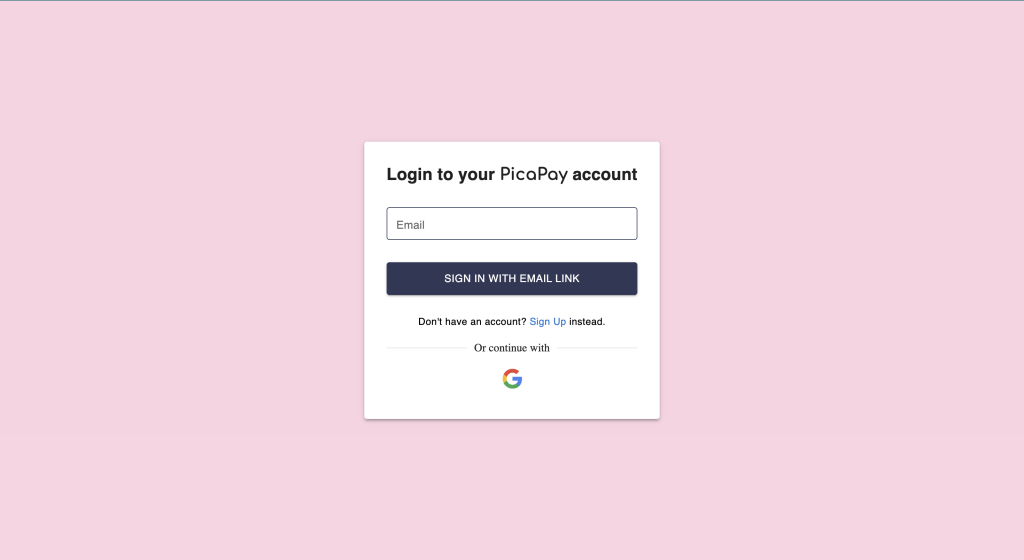
1. Navigate To your dashboard https://app.pica-pay.com/dashboard
2. Select ‘Sign Up’ or continue with google
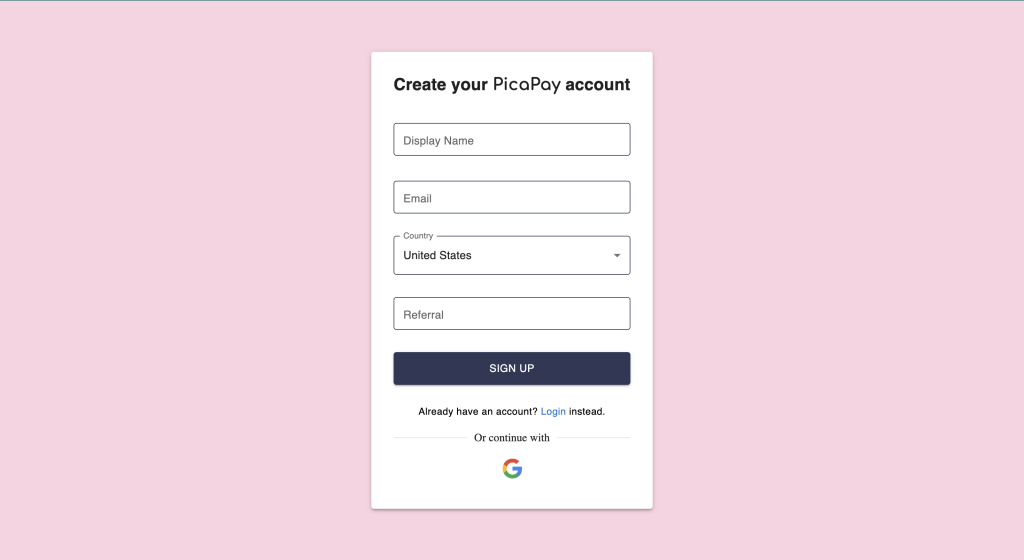
3. Fill out your details
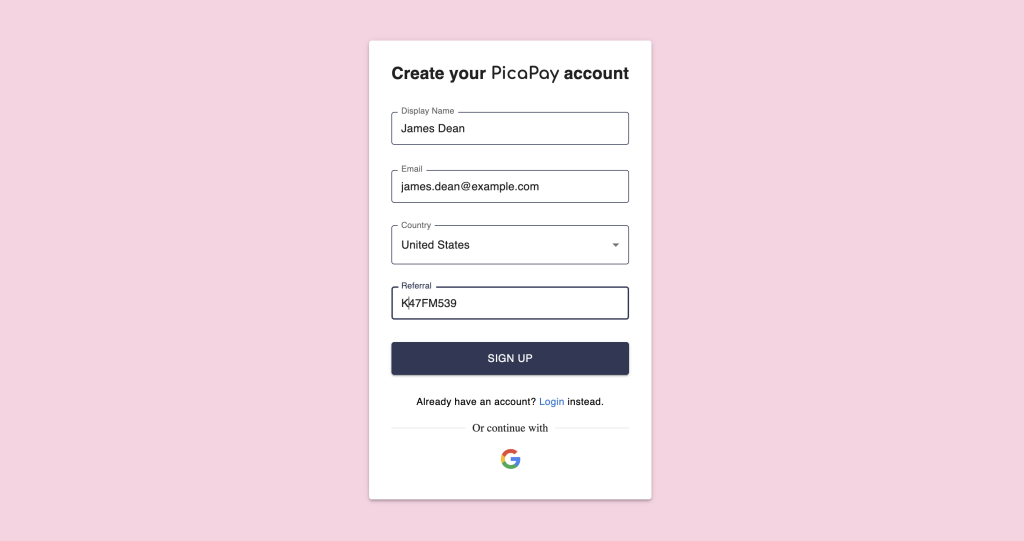
4. Enter a referral code if you have one
5. Check your inbox for a sign in email

6. Click the link in the email to sign in
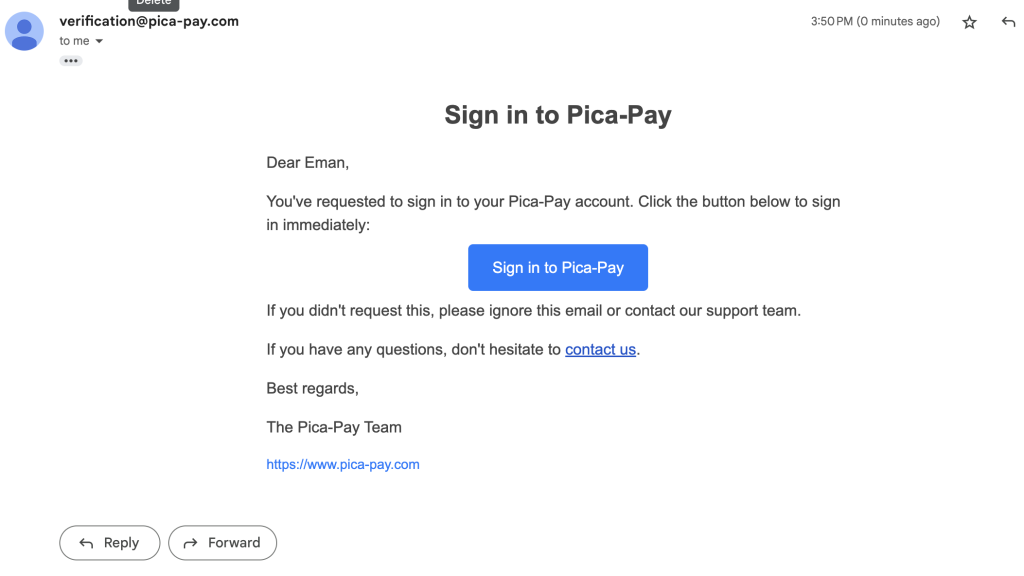
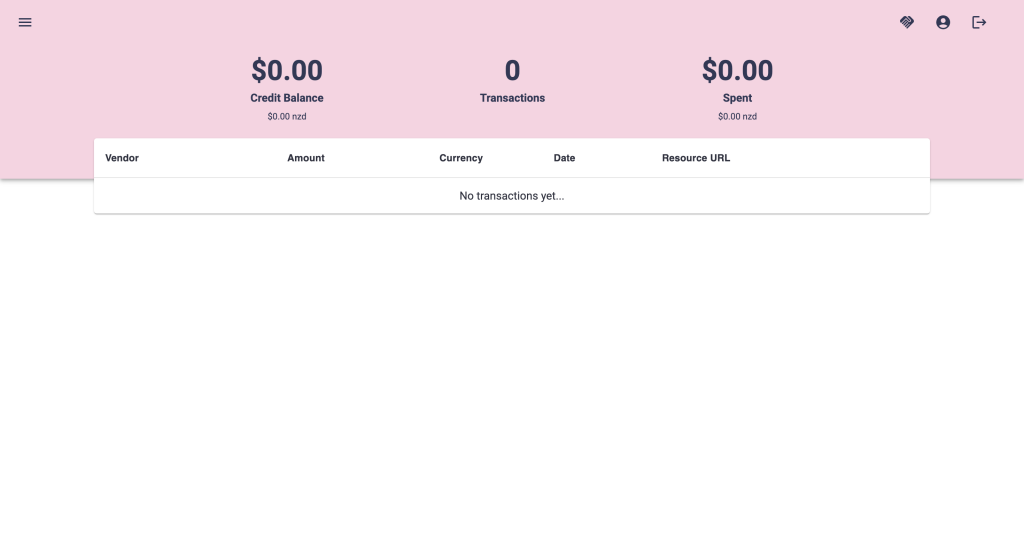
7. Welcome to Pica Pay!
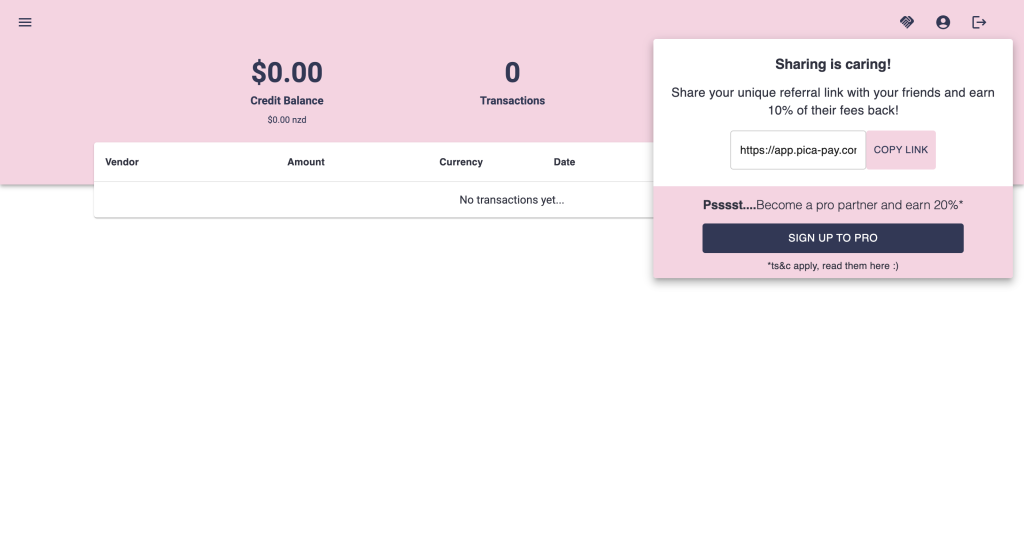
8. Share your referral code to earn rewards!
9. Top up to purchase credit for your account
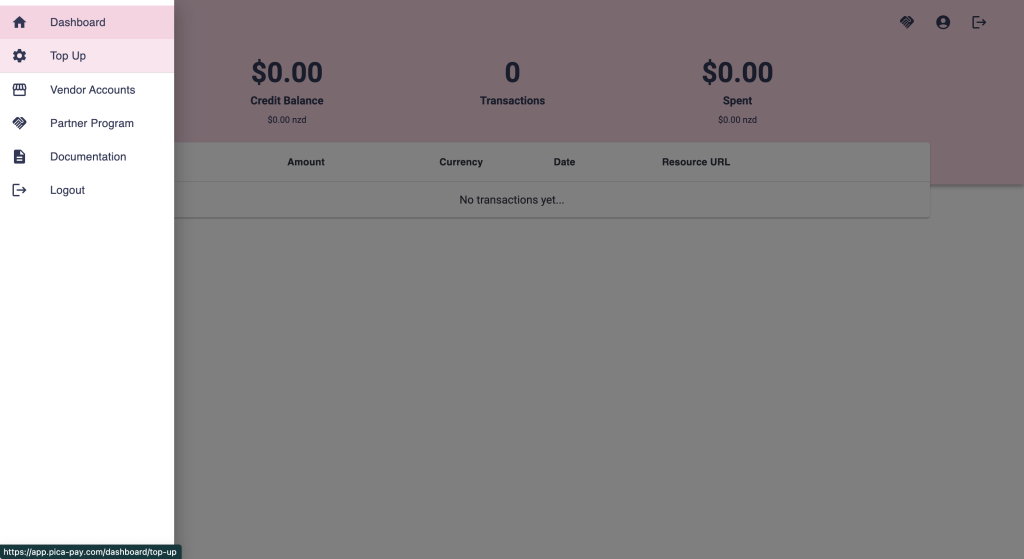
Buying Credit
1. Navigate To your dashboardhttps://app.pica-pay.com/dashboard/topup
2. Fill in your card details
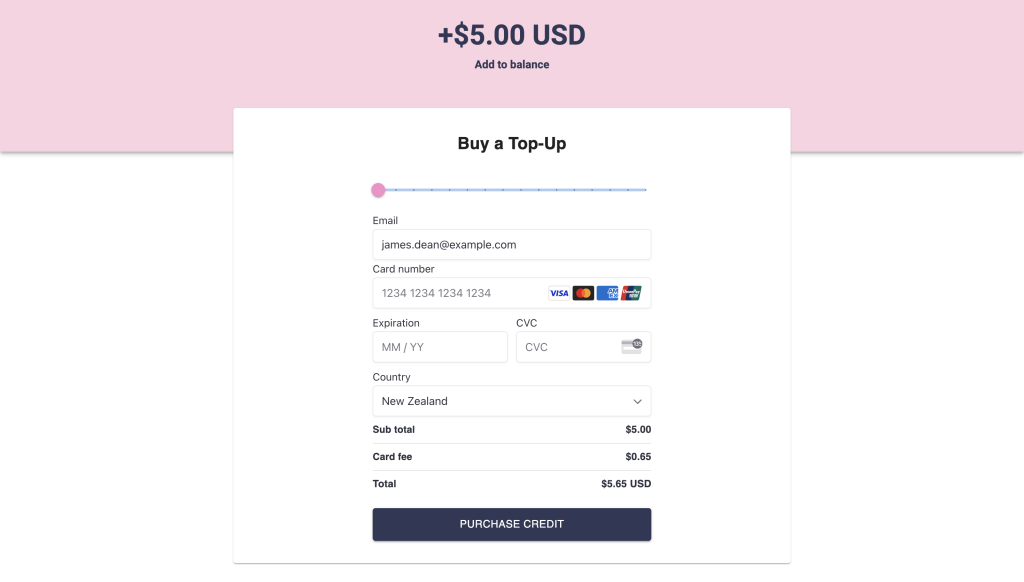
3. Click ‘Purchase Credit’ and wait for confirmation
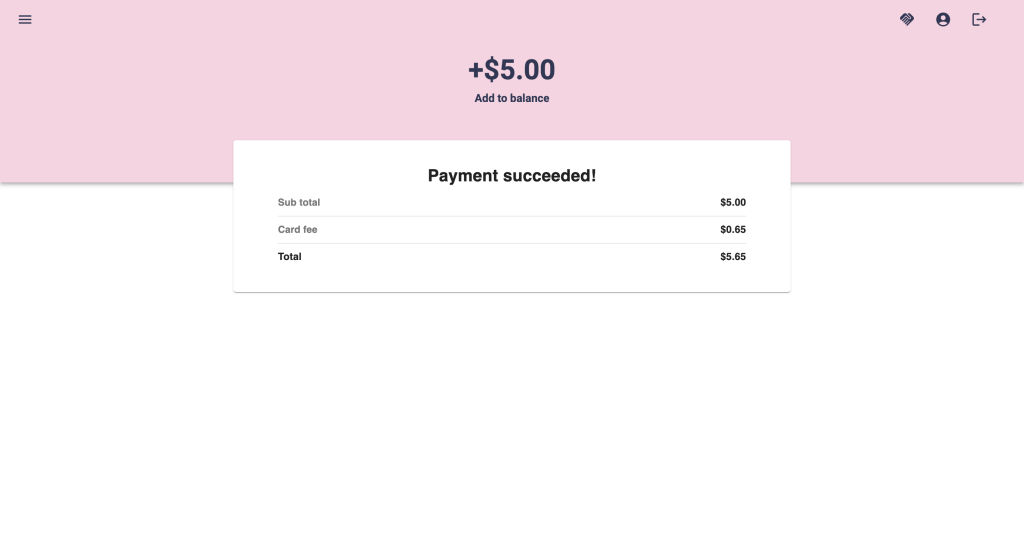
4. You’re all topped up!
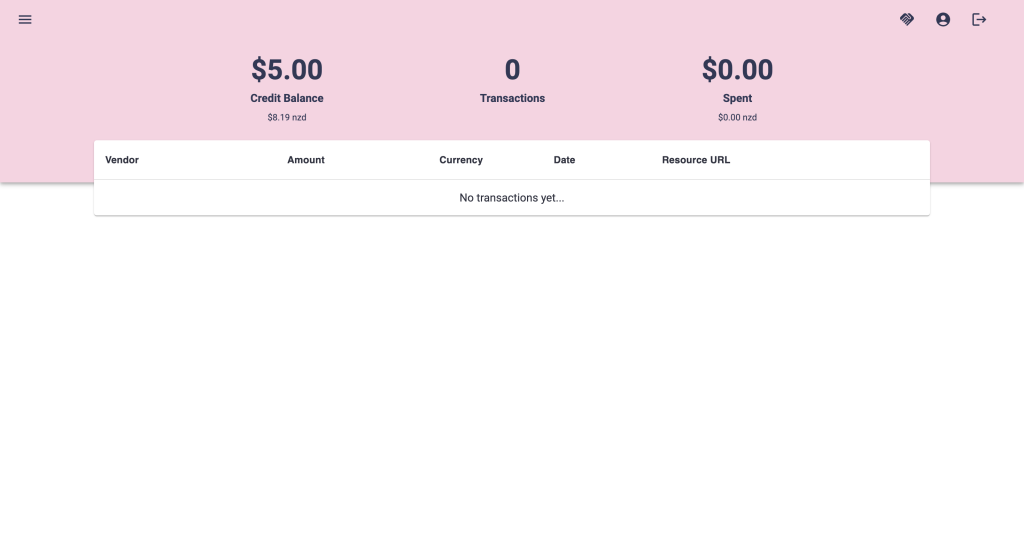
Vendors – Getting Started
1. Navigate to the vendor create page
https://app.pica-pay.com/dashboard/vendors/create
2. Fill in your vendor details
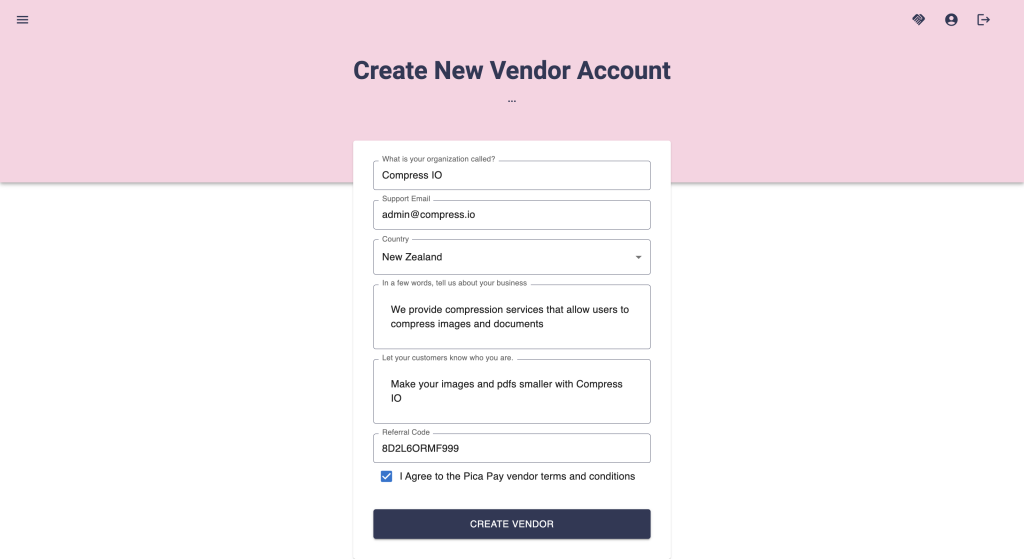
3. Your vendor is now created
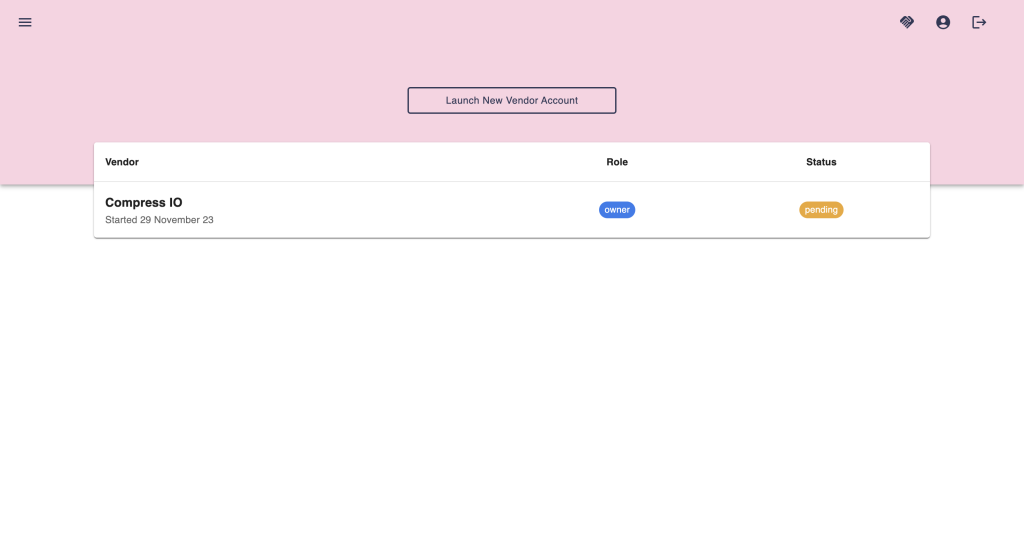
4. Your vendor account page
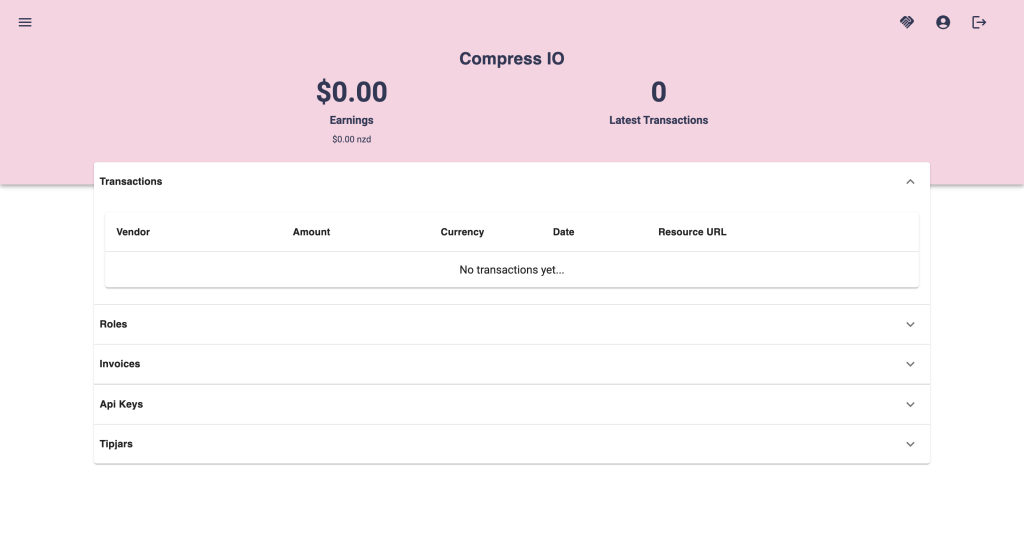
5. To begin accepting purchases, you will need to create an API key
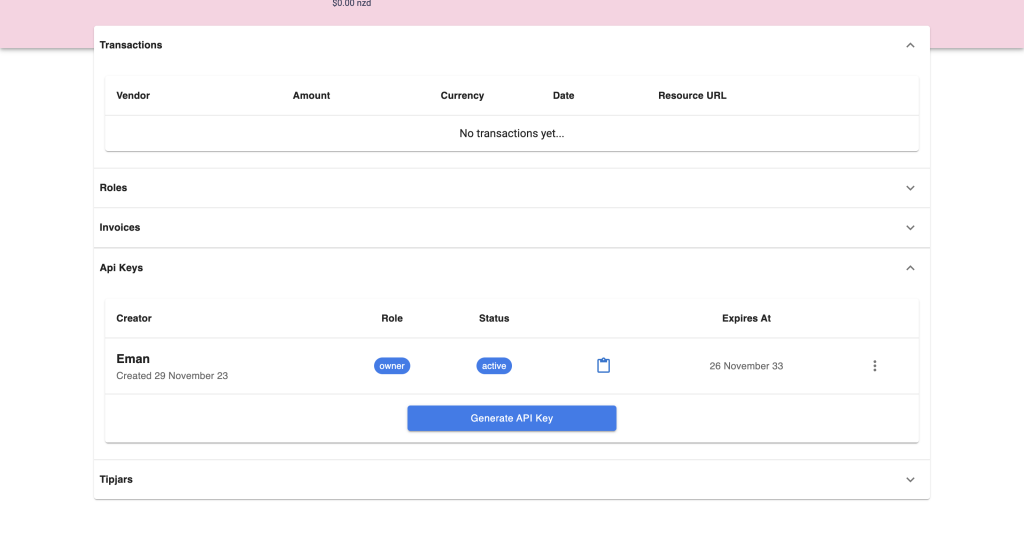
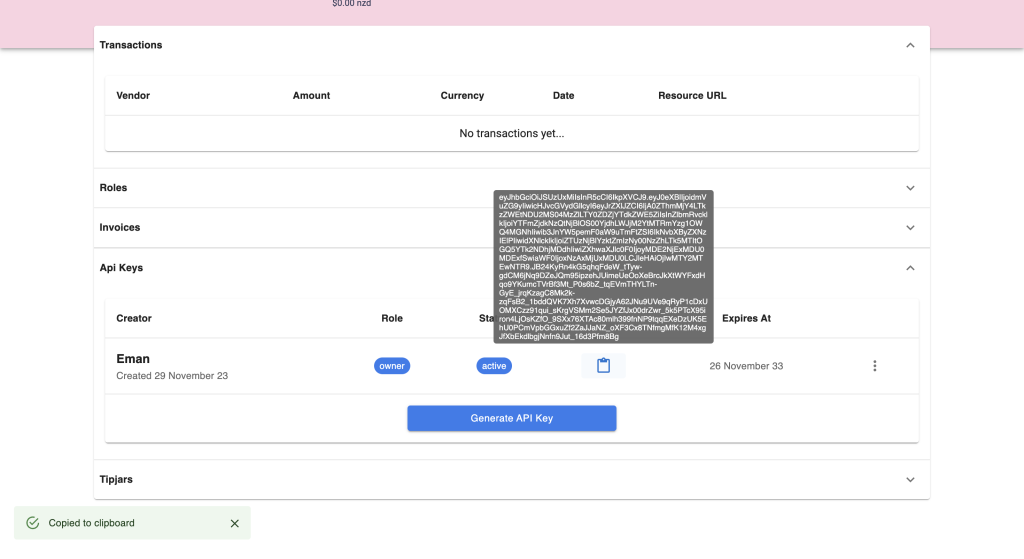
6. Be sure to copy it, this is the only time it will be shown
Vendors – No Code Tipping
No code tip page
Vendors can create a tip page with no code. Simply create a tip page from the Pica Pay dashboard, and share the link with your audience.
1. Navigate to your vendor page and select the ‘Create new Tipjar Page` button.
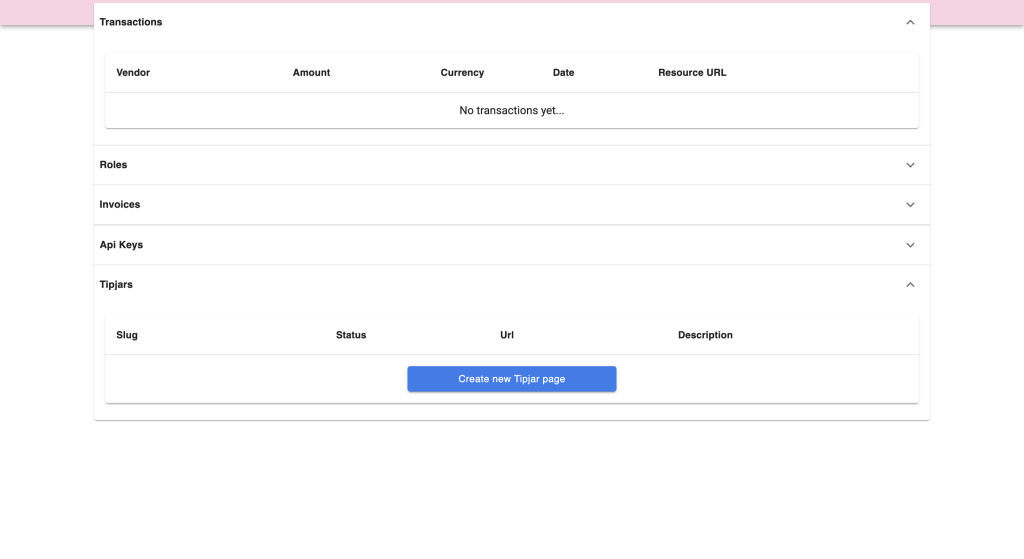
2. Fill in your tip page details
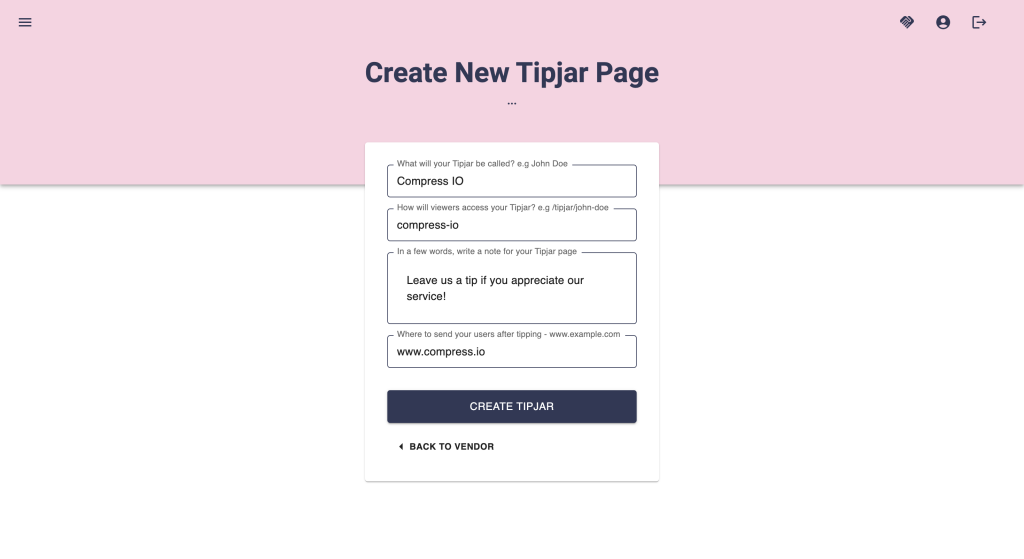
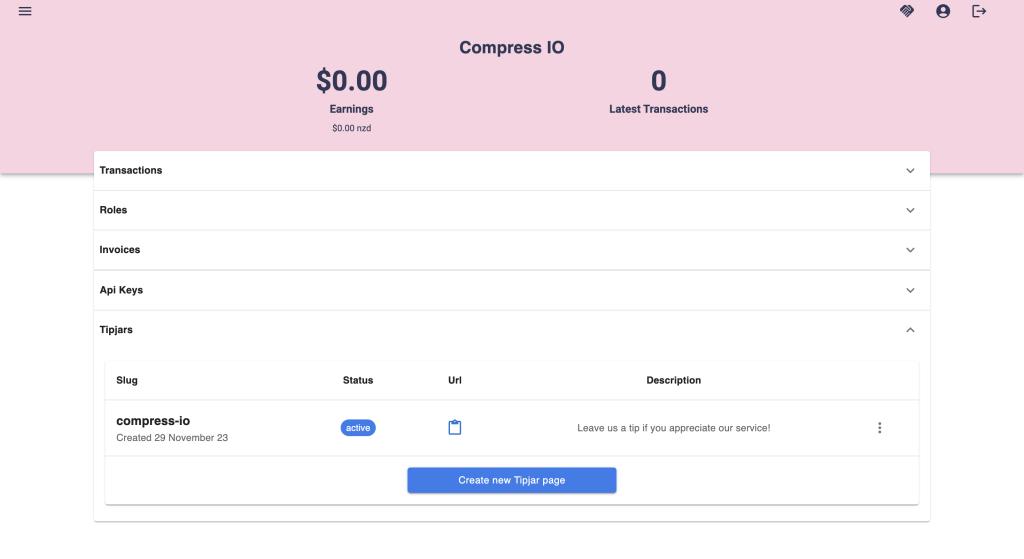
3. Create Tip Jar, it will appear on your vendor page. Copy the url and share it with your audience.
4. The tip page enables users to select the scale of their tip.
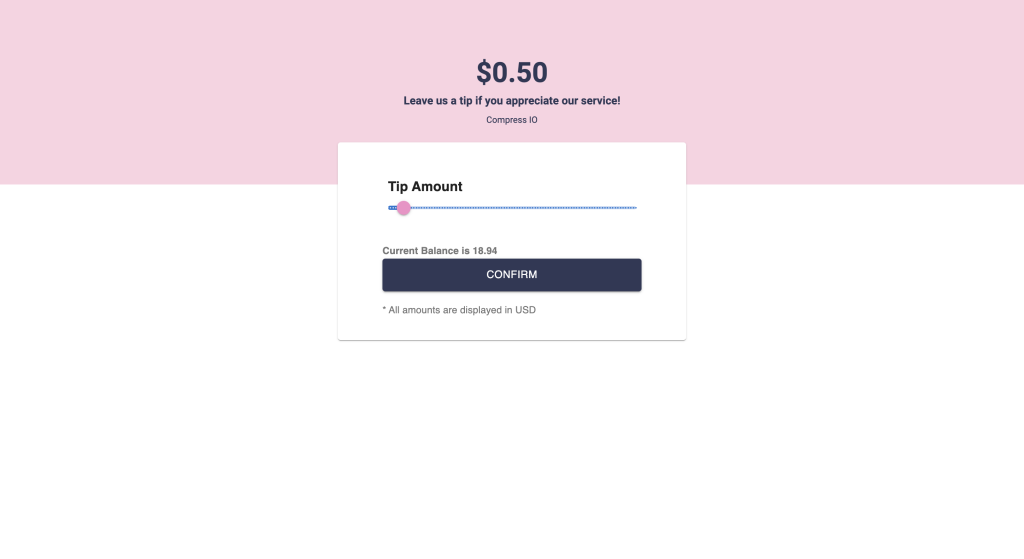
5. Once they select a tip amount, a transaction is created and the user is redirected to the transaction page.
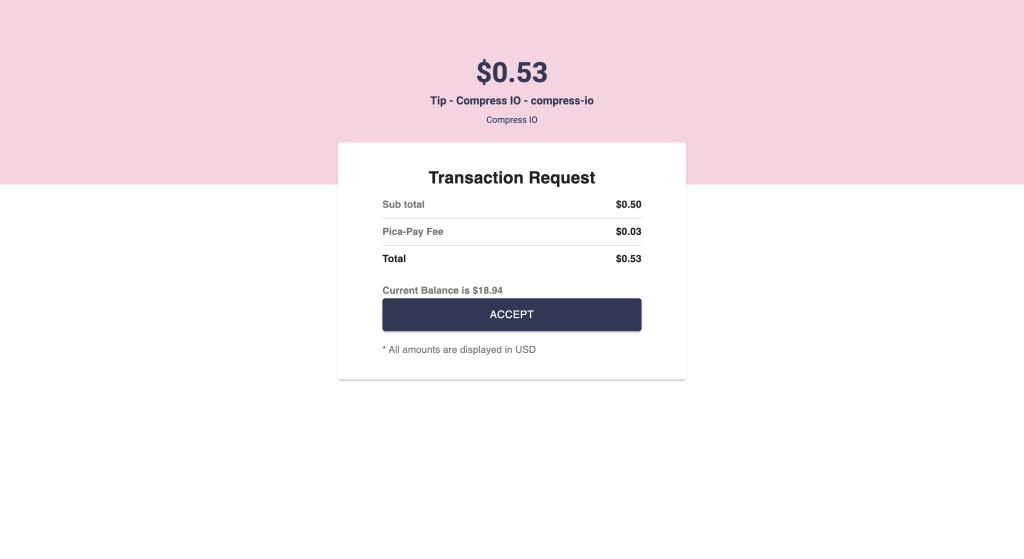
6.
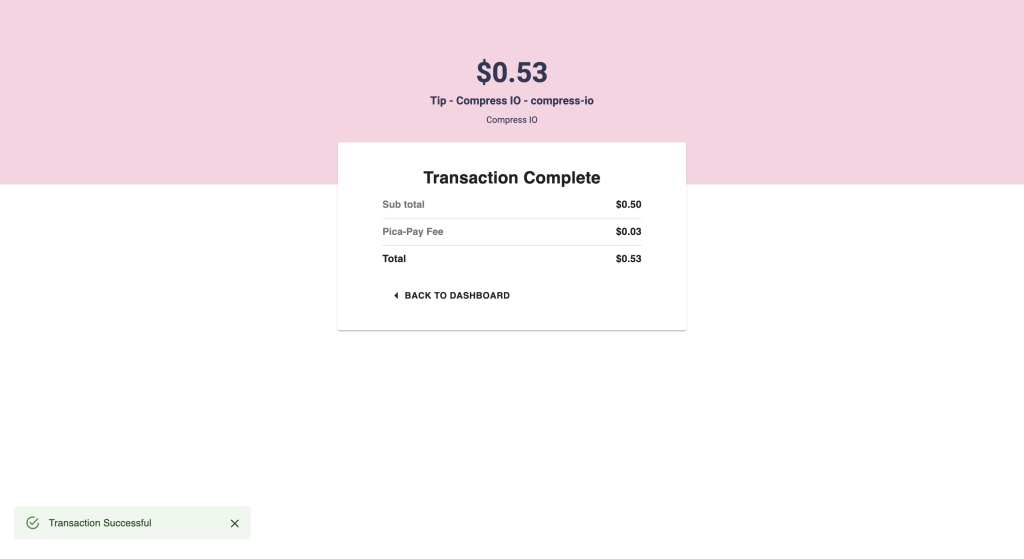
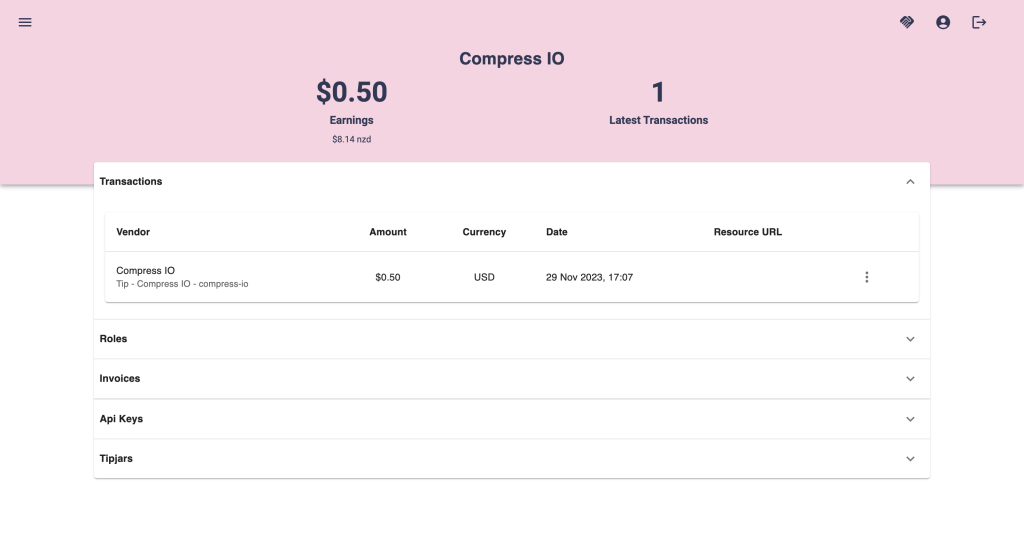
7. After a purchase is completed, the transaction will appear on your vendor page.
Become a Pica Pay Professional Partner
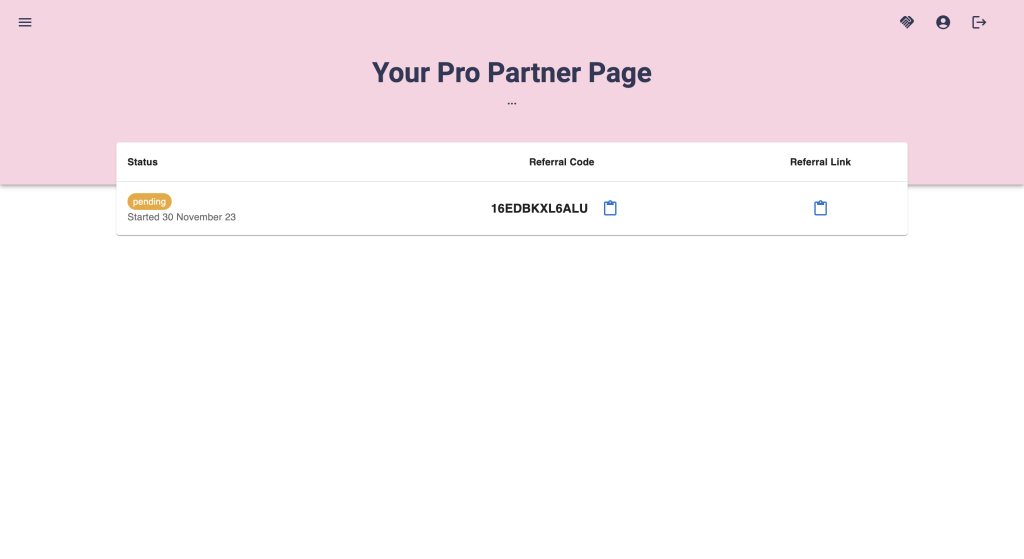
Pica Pay gives users the opportunity to sign up as Professional partners and earn a percentage of all the fees we collect for the first 24 months of the vendors and users they refer to us. This is a great way to earn passive income while helping us grow our user base.
1. Navigate To your partner dashboard
https://app.pica-pay.com/dashboard/partner
2. Fill in your details

3. Share your link or code
It’s as simple as that! You can start sharing your code straight away, and we will be in touch to finalize your account.